Three ways to deliver
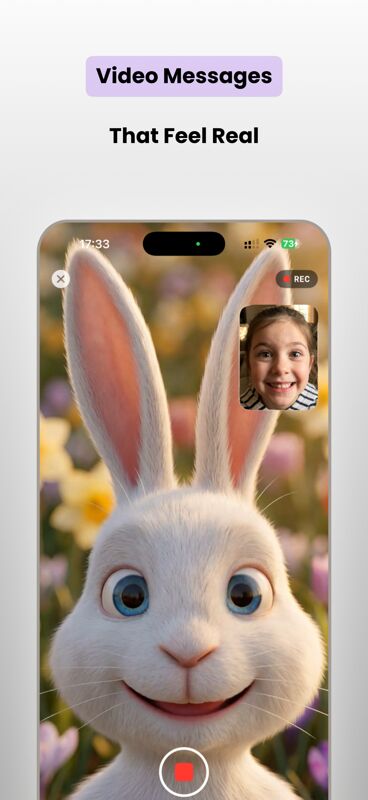
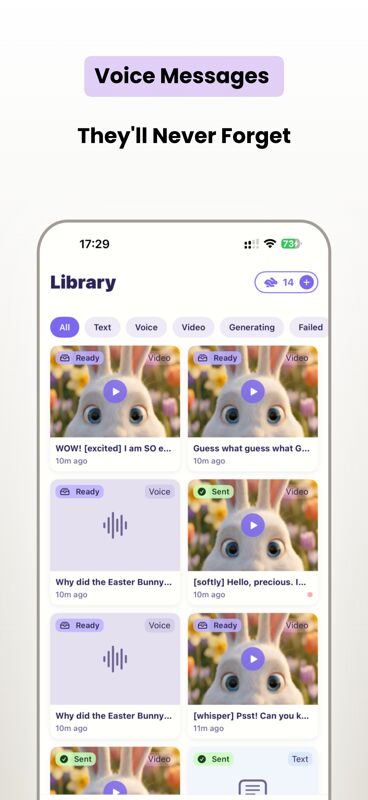
Text messages your child can read on their own, voice messages with expressive AI-generated narration, or video messages combining a chosen bunny character with a heartfelt script.
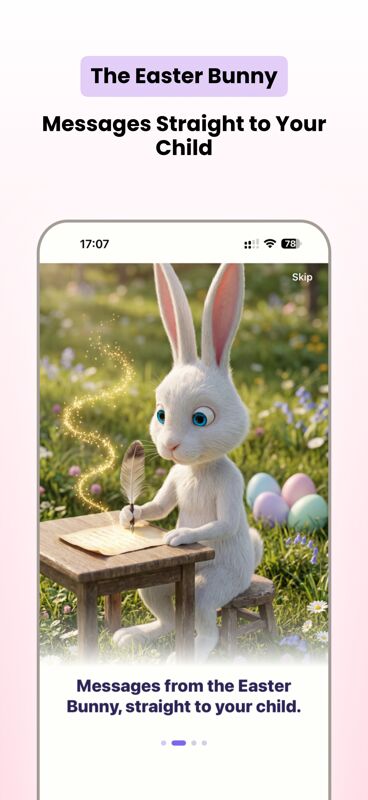
Send your child a real message from the Easter Bunny — text, voice, or video — addressed to them by name. Forty-plus bunny characters across six art styles. Schedule for the morning, capture the reaction.
iOS only. Free text messages. Voice & video via credit packs.
Text messages your child can read on their own, voice messages with expressive AI-generated narration, or video messages combining a chosen bunny character with a heartfelt script.
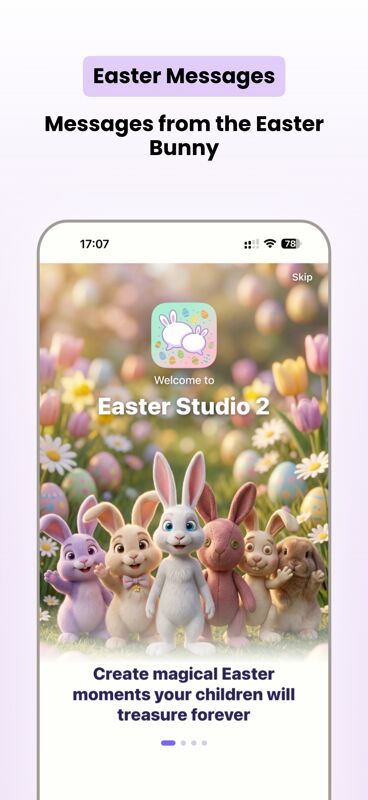
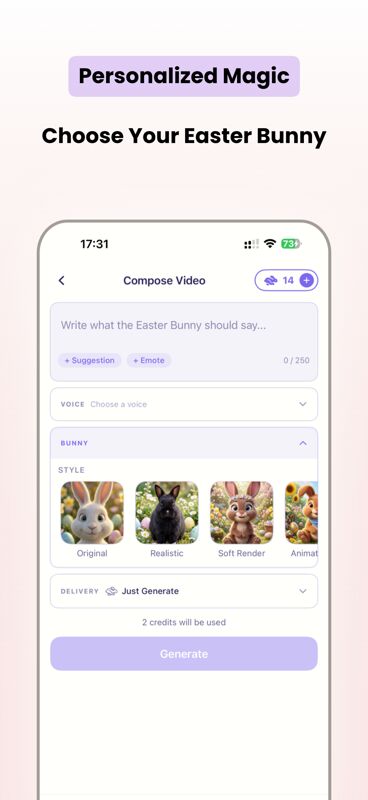
Pick from over forty illustrated bunny characters across six distinct art styles — realistic, painterly, claymation, and more. There is a bunny for every kid.
Warm, Excited, Gentle, Mysterious, Funny. Pick the tone that fits your child or the moment — surprise reveal, bedtime tease, Easter morning announcement.
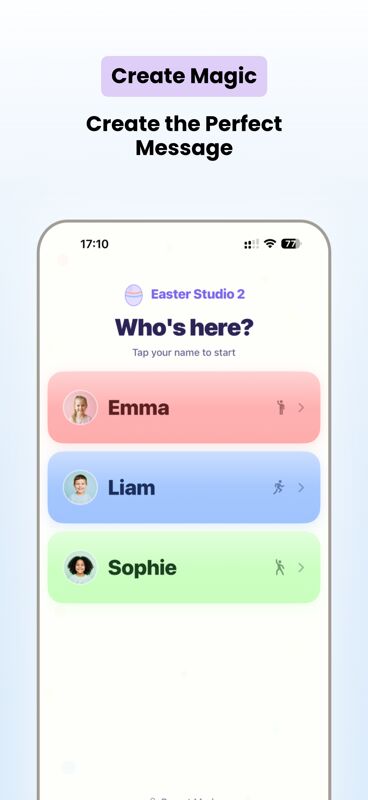
Add each child with their own colour theme and bunny — every kid gets their own magical thread.
Send messages to arrive at the right moment — Easter morning, the night before, the egg hunt.
Record your child opening the message. Save those wonder-moments to your Photo Library.
Write your own message from scratch, or pick from dozens of pre-written scripts.
Locked behind Face ID or a custom PIN. Kids only see their own messages — clean, simple, magical.
Free text messages forever. Voice and video messages use credit packs — pay only for what you send.
Set up a profile with your child's name, age, and a colour theme. Pick their favourite bunny character — there are over 40 to choose from across six art styles.
Write your own from scratch, or pick from dozens of pre-written scripts. Choose the tone — Warm, Excited, Gentle, Mysterious, or Funny. Pick text, voice, or video.
Schedule the message to arrive at the perfect moment — Easter morning, the night before, or any time. When they open it, record their reaction to keep forever.
Real screenshots — bunny characters, message composer, profiles, and reactions.
The latest from the studio behind Speak to Santa, Elf Studio, and Easter Studio. Easter Studio 2 is a focused, message-first take — pre-recorded magic from the Easter Bunny, addressed to your child.
Bug, suggestion, press enquiry, or just want to say hi about Easter Studio 2? The studio runs on one person — but every email gets read, and most get a reply within a day or two.
You can also visit the studio site for the wider app catalogue.